Free tool

Vectorize image online for free

Upload your PNG or JPG and download it as a vector: an SVG and two layered PDFs. No sign-up, no watermark.

  • No sign-up
  • No watermark
  • SVG and 2 PDFs
  • Logos and photos
Example 1 · logo

A real example: from blurry JPEG to vector

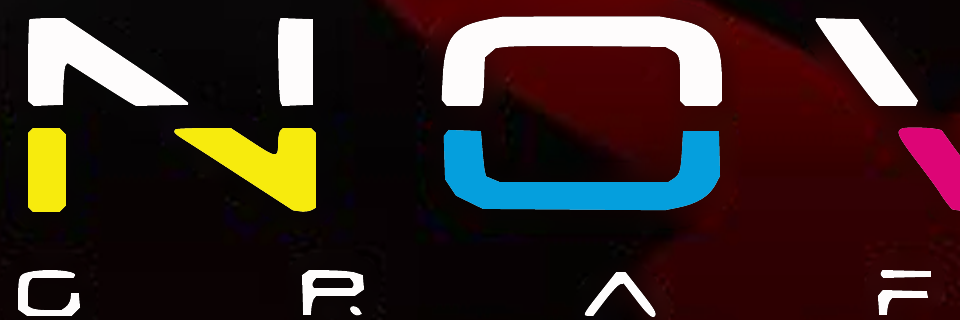
This is our logo as a heavily compressed JPEG of just 180 pixels. Once vectorized, the edges are clean and each colour is flat, so it can be enlarged without losing sharpness.

The same NovaGrafix logo vectorized to SVG, with clean edges and flat colours
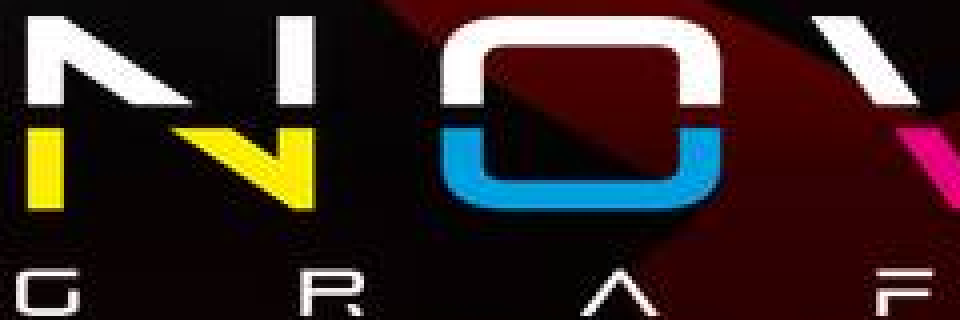
NovaGrafix logo as a 180-pixel JPEG with blurry, pixelated edges
Before: 180 px JPEGAfter: SVG
Example 2 · photo + logo

A 300 ppi photo and a vector logo, in one PDF

When a design mixes photos and logos, each part needs different treatment. The hybrid PDF separates them into layers: the photo keeps its real look and the graphics become curves.

  • High-definition photoA lossless image at 300 ppi on a 20.3 × 13.5 cm page.
  • Vector logo and textFlat colours and clean edges at any size.
  • All in layersYou can switch them on and off in Acrobat, Affinity or Inkscape.
Download this example PDF 1,5 MB
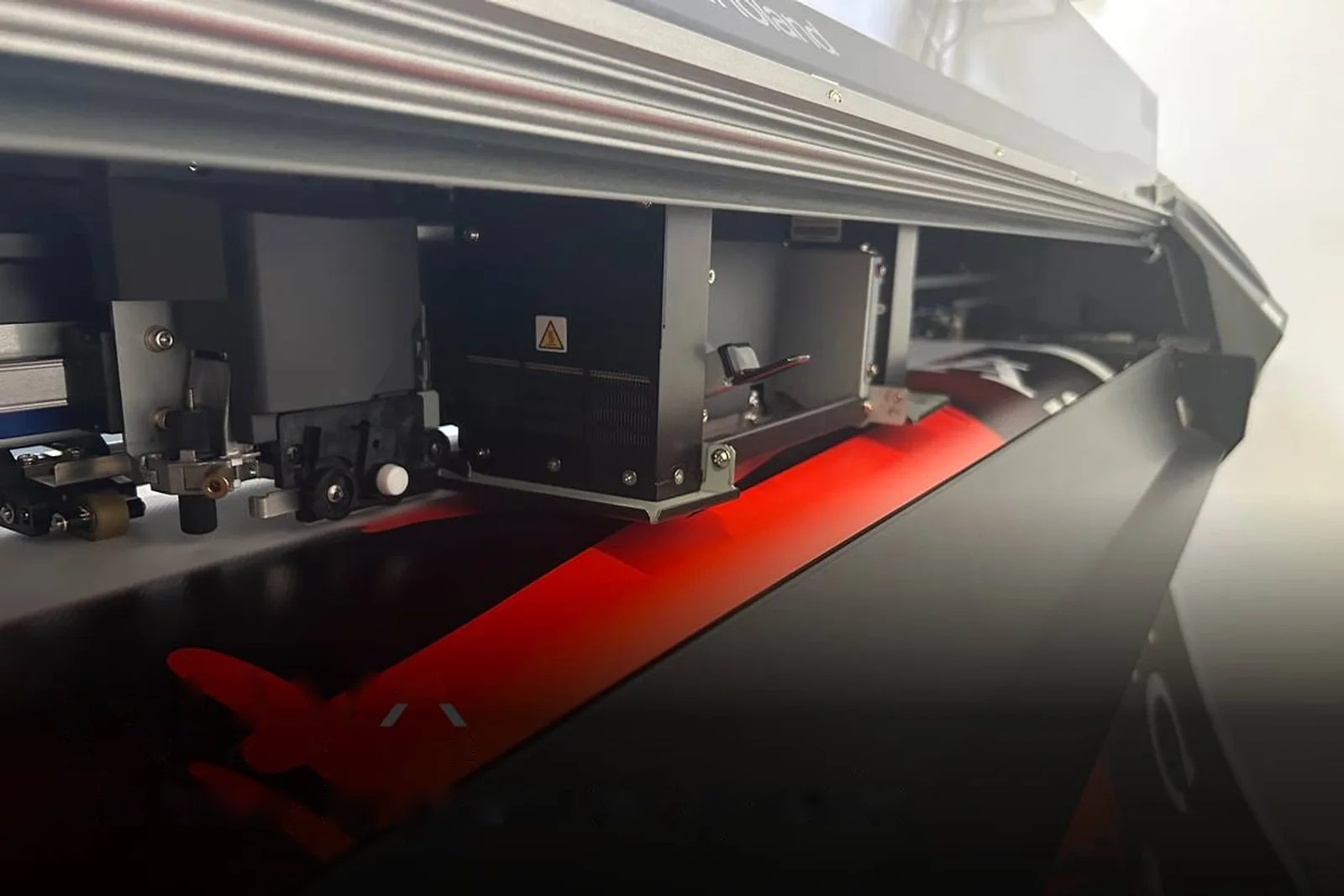
Photo layer: a NovaGrafix large-format printer, with no logo or textPhoto · 300 ppi
Vector layer with the NovaGrafix logo and the example textLogo and text · vector
The same logo detail in vector, with clean edges
Pixelated detail of the logo in the original JPEG
OriginalVector
Logo enlarged 4 times: the JPEG pixels become clean edges.
The same photo detail in high definition
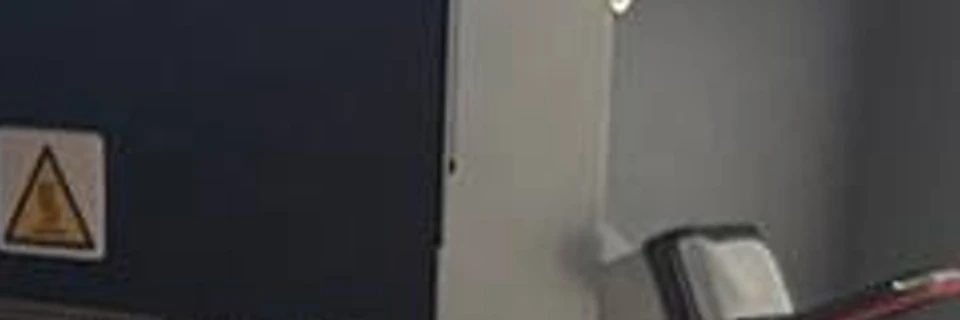
Pixelated detail of the photo in the original JPEG
OriginalHD
Photo enlarged 4 times: the pixels are smoothed without turning it into shapes of colour.

Made with this tool's own settings, from a 1200 × 800 pixel JPEG. The photo is enlarged to twice its size to reach 300 ppi: it looks smoother, but doesn't gain detail that wasn't in the original. To print it larger, upload it at a higher resolution.

What does it mean to vectorize an image?

Vectorizing an image means converting its pixels into shapes defined by mathematical curves. A PNG or JPG loses sharpness when enlarged, while a vector looks just as crisp on a business card as on a banner several metres wide.

The most common vector format is SVG, an open standard from the W3C. Vectors are also used for cutting vinyl and stickers, embroidery, vehicle graphics and laser engraving.

How to vectorize an image quickly and easily

The fastest way is an online tool: upload the image and download the vector, with nothing to install and no design skills needed.

  1. 1

    Upload your image

    Drop it into the tool on this page. PNG, JPG, WEBP, GIF, AVIF, BMP and TIFF all work.

  2. 2

    Wait a few seconds

    AI finds the text, logos and photos, and the engine traces each layer. In our tests, a logo took 10 seconds, a poster 33 and a layout with photos 77.

  3. 3

    Compare the result

    Move the slider to see the original and the vector, and check that everything looks right.

  4. 4

    Download your files

    Get the SVG, the vector PDF and the hybrid PDF. No watermark.

Which vectorizing method suits you

It depends on what you need: an online tool is the fastest, and manual tracing is the most precise.

MethodPriceDifficultyBest for
NovaGrafix onlineFree, up to 3 a dayNoneGetting a vector now, with nothing to install
Illustrator (Image Trace)PaidMediumFine-tuning the result
Inkscape (Trace Bitmap)FreeMediumWorking on your computer with free software
Manual tracing with the pen toolDepends on the softwareHighLogos that must be perfect

Inkscape has an official tracing tutorial.

Other ways to vectorize

How to vectorize an image in Illustrator

Illustrator does it with Image Trace, in five steps:

  1. Open the image with File > Place and select it.
  2. Open the panel with Window > Image Trace.
  3. Choose a preset, such as Black and White Logo or High Fidelity Photo.
  4. Adjust the colours, paths and noise until you're happy.
  5. Click Expand in the top bar to turn it into editable shapes.

Can you vectorize in Photoshop?

Not really. Photoshop works with pixels and has no automatic trace like Illustrator's. You can turn a selection into a path with Make Work Path and export it with File > Export > Paths to Illustrator. It's only practical for simple, single-colour shapes.

How to vectorize an image manually

It means redrawing it on top with the pen tool. It's the slowest and most precise method:

  1. Place the image on a layer and lock it.
  2. Create a new layer on top.
  3. Trace each shape with the pen tool, using few anchor points.
  4. Fill each shape with its colour.
  5. Delete or hide the image layer.

How to vectorize a hand drawing

The key is to start from a good image:

  1. Go over the drawing with a black marker.
  2. Scan it, or photograph it straight on in good light.
  3. Crop it and raise the contrast until the paper is white.
  4. Upload it to the tool and download the SVG.

Frequently asked questions

Is it really free?

Yes. You can vectorize up to 3 images a day with no sign-up and no card. We have that limit because each image takes a lot of computing power.

What happens to my image?

It's processed on our servers and sent to Anthropic (Claude) to find its elements. We delete the resulting files within 24 hours, and we don't publish or reuse your image.

Can I edit the text?

You can change its colours and shapes but not rewrite it, because it becomes curves rather than text in a font.

Is it good for printing?

Yes, especially the hybrid PDF. Files are in RGB with no bleed: if you print with us, we'll prepare them for you. For another printer, ask first what they need.

Will it look identical to the original?

Very close, but not always identical. Logos and illustrations work best. Photos become many shapes of colour and lose some detail. A very low-resolution image can't recover what it doesn't have.

Why does it take a little while?

Because we trace hundreds of shapes of colour and check the result against your image. The more complex the image, the longer it takes.

Can you vectorize a low-quality or blurry image?

Yes, although the result depends on what can be made out. Edges get cleaned up and colours unified, but text that's illegible in the original can't be recovered. For logos, look for the largest version you have.

How can I vectorize with AI for free?

Upload your image to this page: it's free, with no sign-up. AI finds the text, logos and photos so each gets its own treatment, then a tracing engine draws the shapes.

Can I get an Illustrator .ai file?

Yes, in two steps: open the SVG or vector PDF in Illustrator and save it as .ai. The tool doesn't create that format directly.

Can I vectorize a white logo?

Yes, if the PNG has a transparent background. The vector keeps the white colour and the transparency.

Does it work for DXF or cutting machines?

It doesn't create DXF, but you can open the SVG in Inkscape and save it as DXF. Check the result before cutting, because machines need clean, closed paths.
About us